Stats & Overdue Tracking
Overdue tasks follow you around the app.
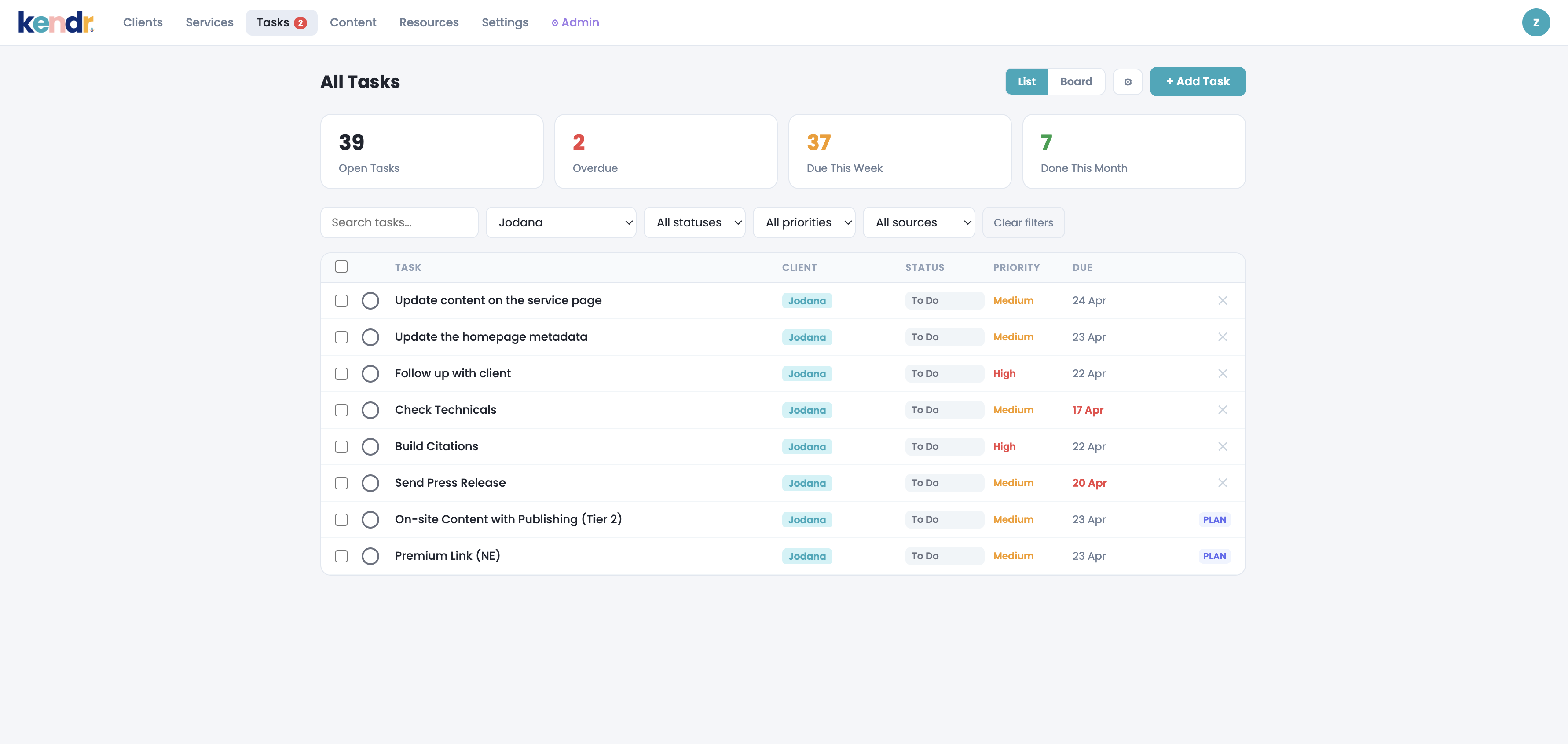
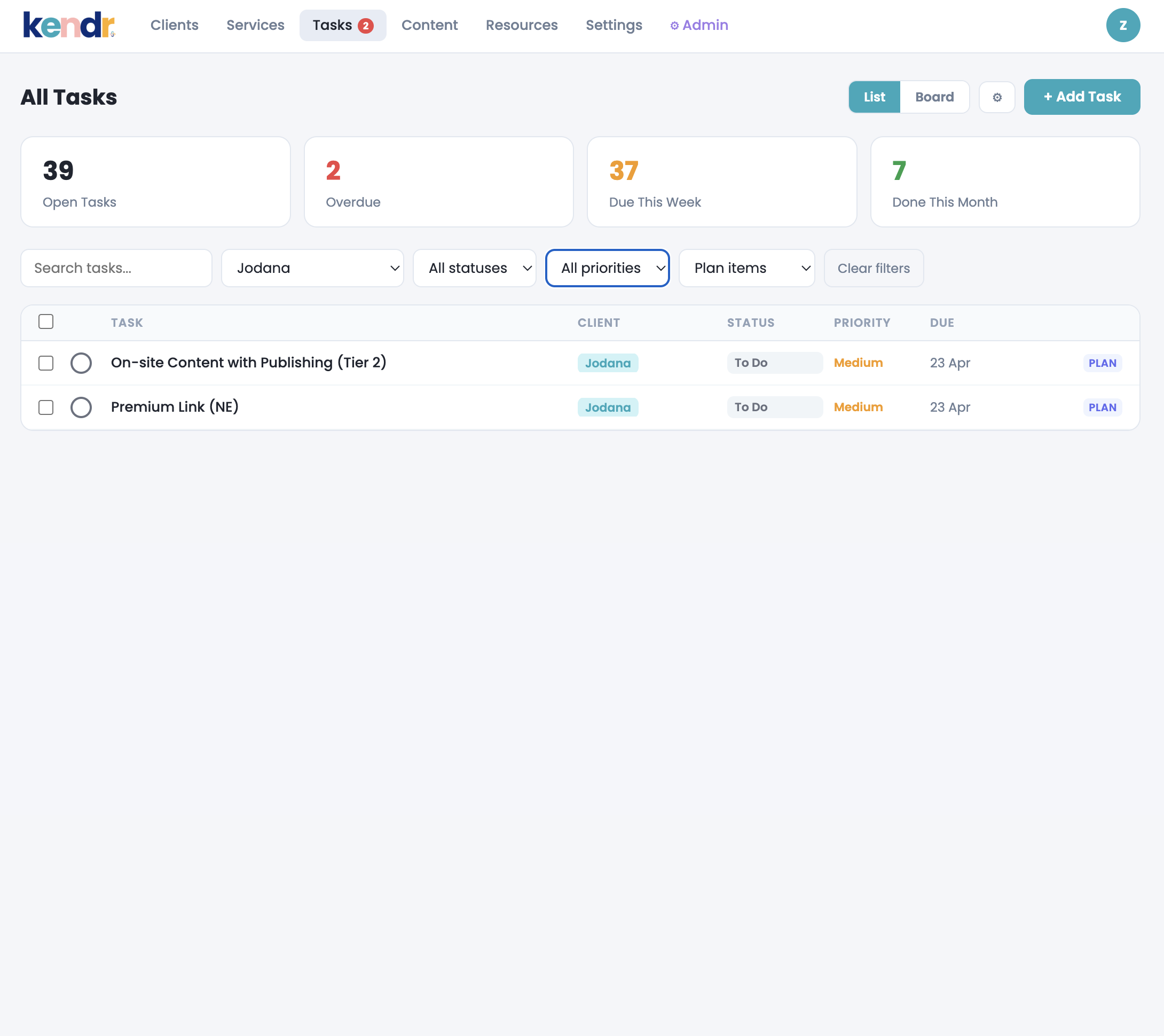
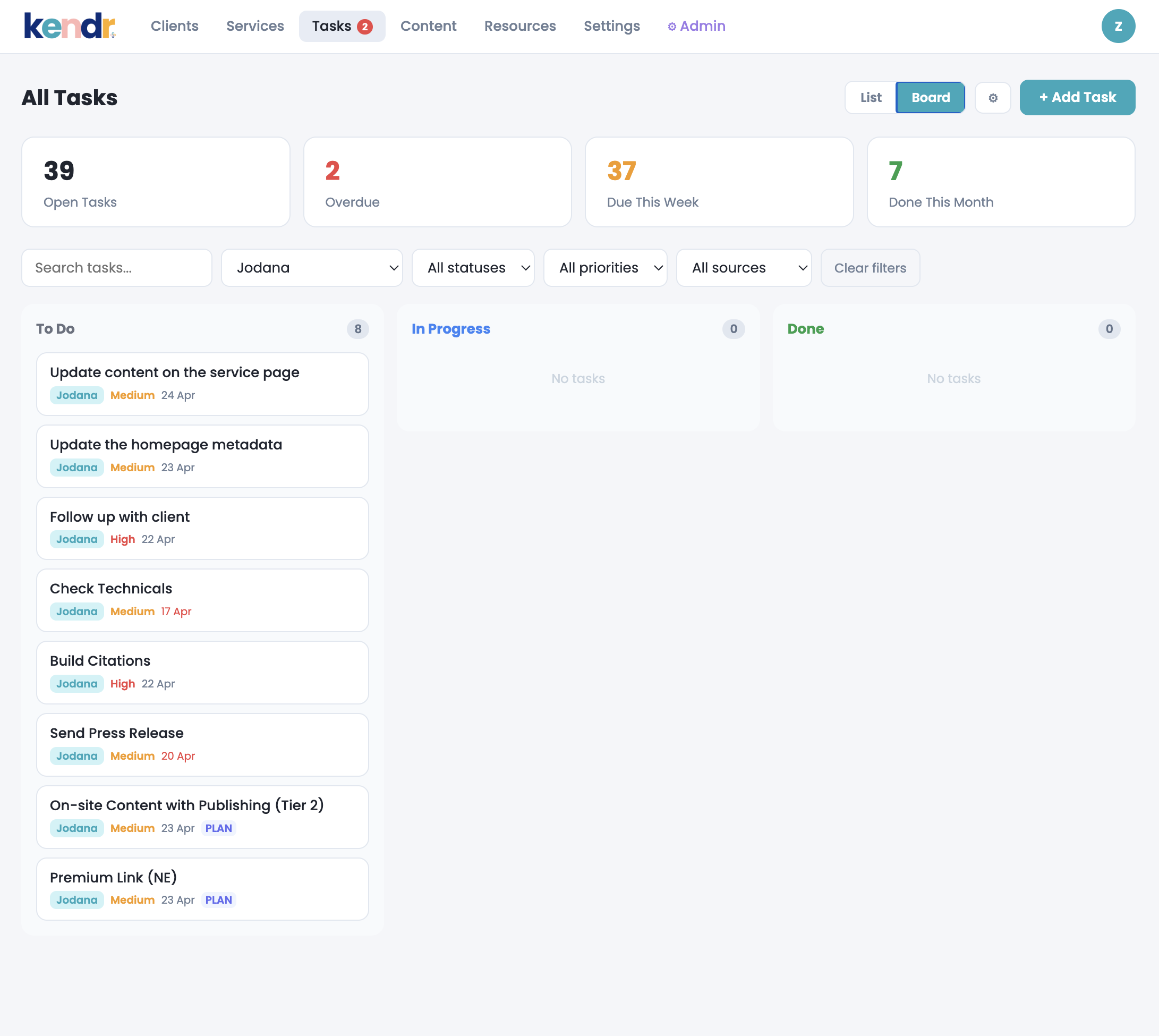
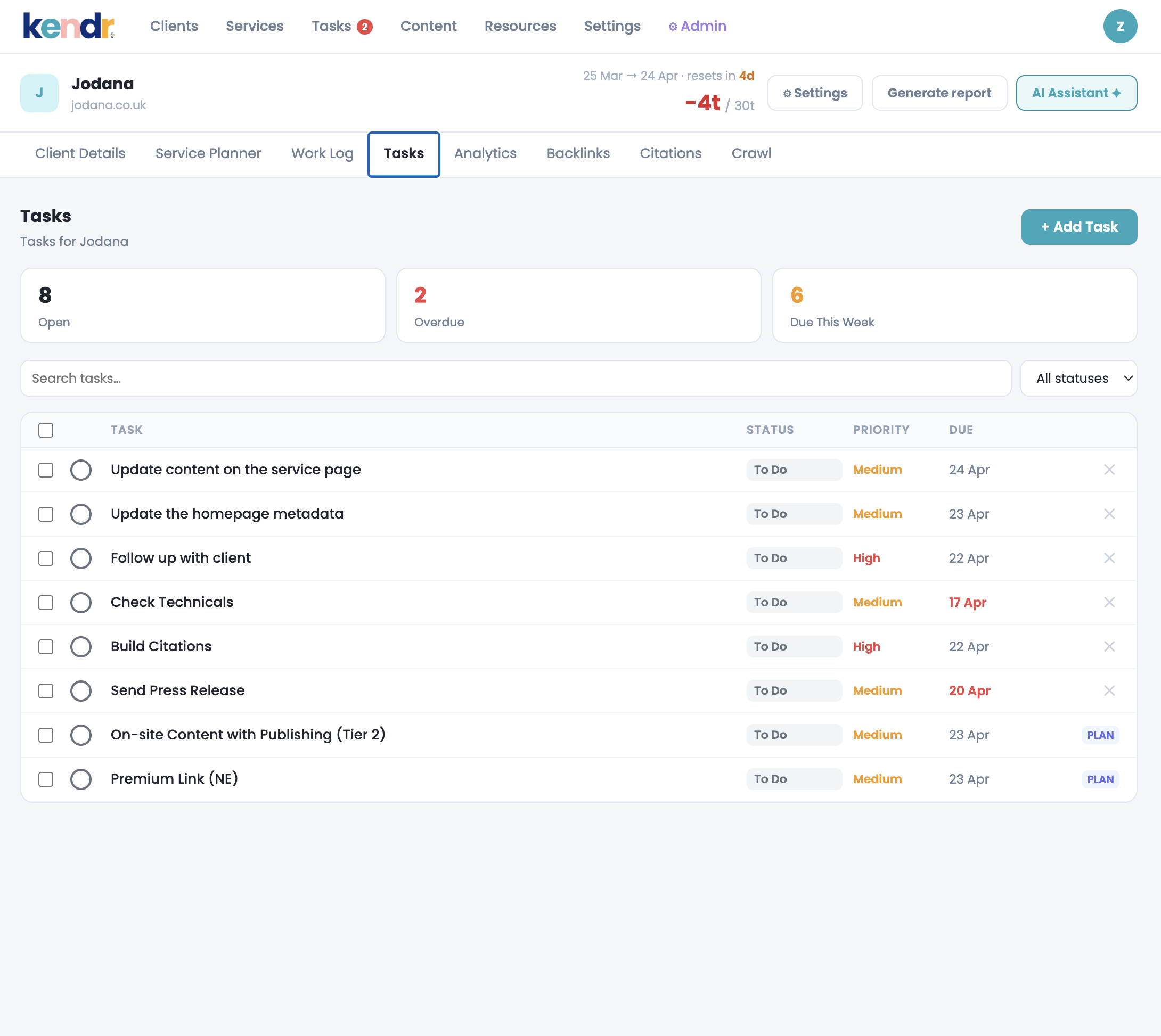
The stats bar at the top of Tasks shows open, overdue, due this week, and done this month. But the overdue count also appears as a red badge on the Tasks nav item, visible across every screen without opening the Tasks tab.
Open tasks: total incomplete across all clients at a glance.
Overdue badge: a red badge on the nav updates immediately when an overdue task is marked done, no page refresh needed.
Due this week: surface what needs attention in the next 7 days without manually sorting by date.